Turn an article into a video
An announcement, a report, a long post. SayScreen reads it, picks out the parts that matter, and walks through them on screen.
For this kind of video
Some articles deserve a video: a launch announcement, a policy change, a long research post your team should know about. Writing the summary and recording it takes an hour. SayScreen takes a brief such as “go through the announcement and highlight the major talking points.”
It reads the article, writes a short script that moves section by section, and shows you the script first. When you approve, it records the page: scrolling to each part, zooming on the chart or the claim being discussed, an AI voice explaining, captions lighting up word by word.
The video is an mp4 with no watermark. Use it in an internal update, a newsletter, or as a short-form post in portrait.
What you get
Picks the parts that matter
The script skips the filler and stops at the claims, charts and sections worth a viewer's time.
Shows, not just tells
The camera moves to the exact paragraph or figure as the voice mentions it.
Your voice on it
Set the tone in the brief: neutral, sceptical, enthusiastic. Edit any line of the script.
Landscape or portrait
A 16:9 video for a page or a vertical one for a feed, from the same brief.
Another example
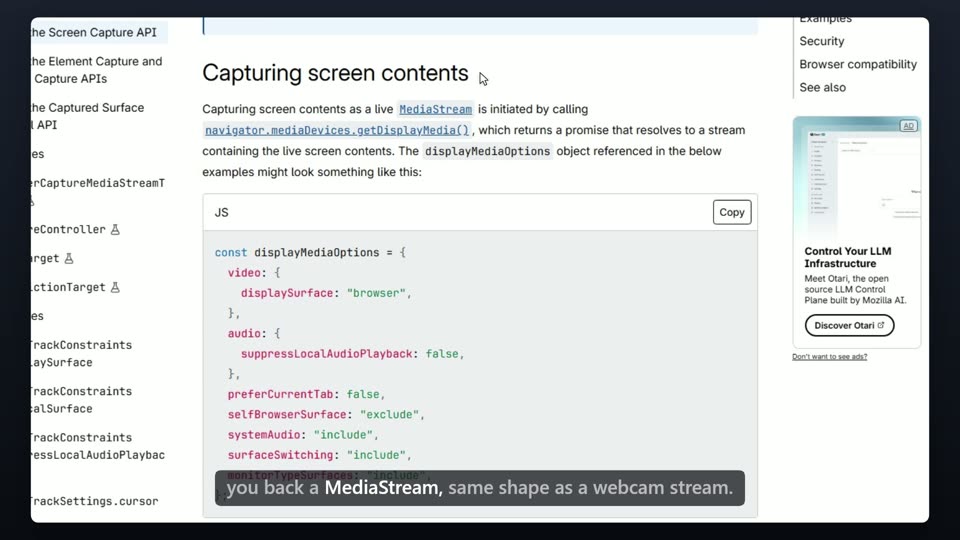 1:16Screen Capture API, explained“Walk through the MDN guide and explain how getDisplayMedia works.”
Questions
How long is the video?
It depends on the article and the brief. A long announcement comes out around a minute and a half; ask for the three main points and it is shorter.
Is it accurate?
The script is written from the page itself and shown to you before recording. Read it, fix anything, then approve.
Can it do paywalled articles?
If you can read the article in your own browser, the free Chrome extension can save a copy for SayScreen to record. The app never signs in for you.
Which languages?
Narration in English, Spanish, French, Italian, Portuguese or Hindi, with free voices for each.