First-time setup in Northwind
An onboarding video for an admin app: creating the first project, opening Settings, pasting an API key and explaining why that key is account-wide.
- The brief
- “Show someone how to get set up in Northwind for the first time.”
- Recorded
- A demo admin app
- Length
- 0:43
Made by SayScreen from the brief above. Nothing was edited afterwards. Download the mp4.
What the voice says
The narration, written by the app after reading the page. Each line is one beat of the video; the camera and pointer follow it.
- 01
Let's get you set up in Northwind from scratch.
- 02
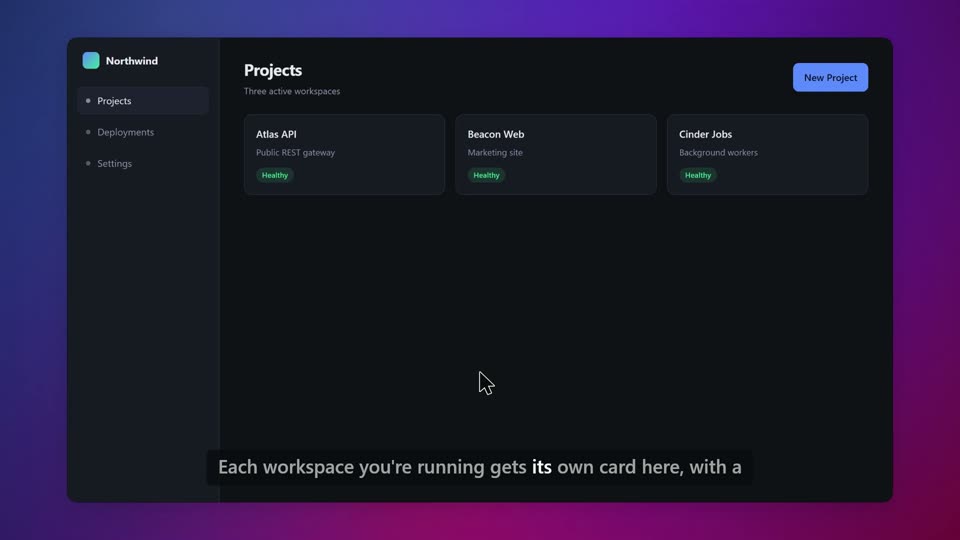
This is Projects. Every service you deploy shows up here as a card, so it's the first thing you'll check each morning.
- 03
Let's add our own. Hit New Project in the top right.
- 04
Name it payments-api. Keep the name matching your repo, otherwise the deploy logs get confusing fast.
- 05
Then create it, and it drops straight into the list.
- 06
One more thing before it'll actually deploy anything. Head into Settings on the left.
- 07
Paste your API key in here. This is what the CLI and the build agents authenticate with.
- 08
Worth knowing: this key is account-wide, not per project. Set it once and every project you create inherits it. But that also means rotating it breaks all of them at once, so treat it carefully.
- 09
Save changes, and you're set up.