GitHub tutorial
How to create a branch in GitHub
A branch is a separate place to work on changes, so main stays as it is until you're ready. This video creates a branch called add-notes from the branch menu on a repository's main page, and ends with the new branch selected and main unchanged.
- 0:59 video
- 5 steps
- Last verified November 1, 2026
Steps
- Click the branch menu that says mainTo branch from somewhere else, pick that branch here first, then open the menu again.
- Type a name for the new branchUse the Find or create a branch box. The name can't already be in use.
- Click Create branch add-notes from mainThe option shows the name you typed. The new branch starts as a copy of main.
- Check that the branch menu shows the new branchThe count next to it goes from 1 Branch to 2 Branches.
- Check that main hasn't changedThe banner says this branch is up to date with main. What you edit here stays separate.
Transcript
0:00Let's create a branch on GitHub. A branch gives you a separate place to work on changes, so main stays exactly as it is until you're ready.
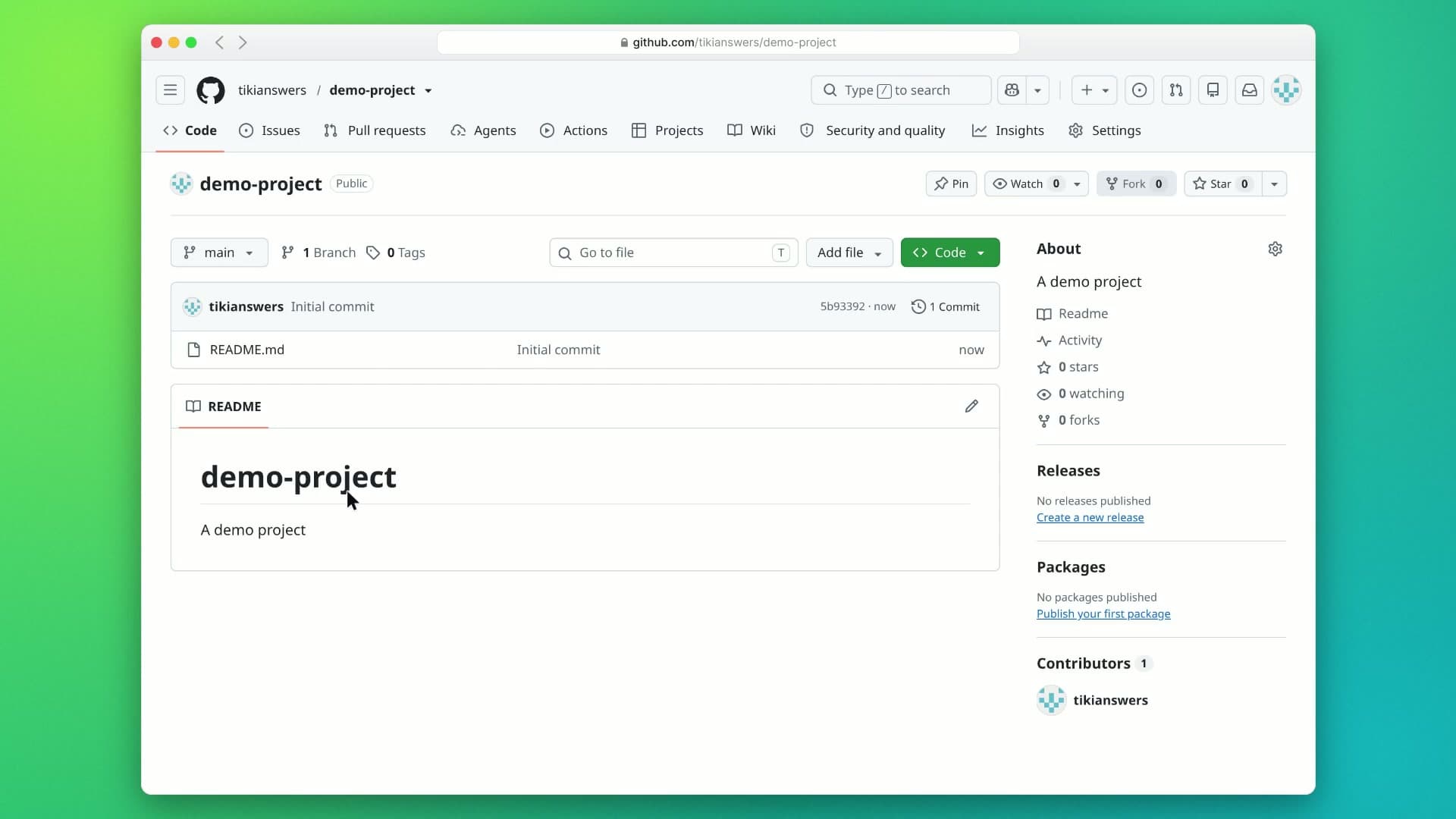
0:09Right now you're on main, with just one branch. Open the branch menu to switch or create branches.
0:16In the Find or create a branch box, type a name for your new branch. We'll call it add-notes.
0:23Since no branch has that name yet, GitHub offers to create it. Choose Create branch add-notes from main. It starts as a copy of main.
0:34The branch menu now shows add-notes, and the repository has two branches.
0:39As the banner says, this branch is up to date with main. Nothing on main has changed, so anything you edit here stays separate until you're ready. And that's it: open the branch menu, type a name, and create it from main. Next, try editing a file on your new branch.
GitHub is a trademark of its owner. SayScreen isn't affiliated with, sponsored or endorsed by GitHub; this video shows the public app as it looked when it was recorded, and we last checked the steps on November 1, 2026. If GitHub has changed since, tell us at hey@sayscreen.com. GitHub's own guide: docs.github.com/en/pull-requests/how-tos/commit-changes/managing-branches-within-your-repository.