YouTube tutorial
How to make a playlist on YouTube
 SayScreen
This whole video was made by AI.
Make your own at sayscreen.com
$1 for 7 days, then $49/month
- 1:17 video
- 5 steps
- Last verified November 28, 2026
In YouTube Studio, a new playlist starts from the Create button at the top right. A title is all it needs, and a short description tells viewers what to expect. Visibility decides who can find it: Public shows it to everyone, Unlisted works only with the link, and Private keeps it just for you. You can also start a playlist from a video's Save option on YouTube.
Steps
- Click Create at the top right of YouTube Studio
- Choose New playlist
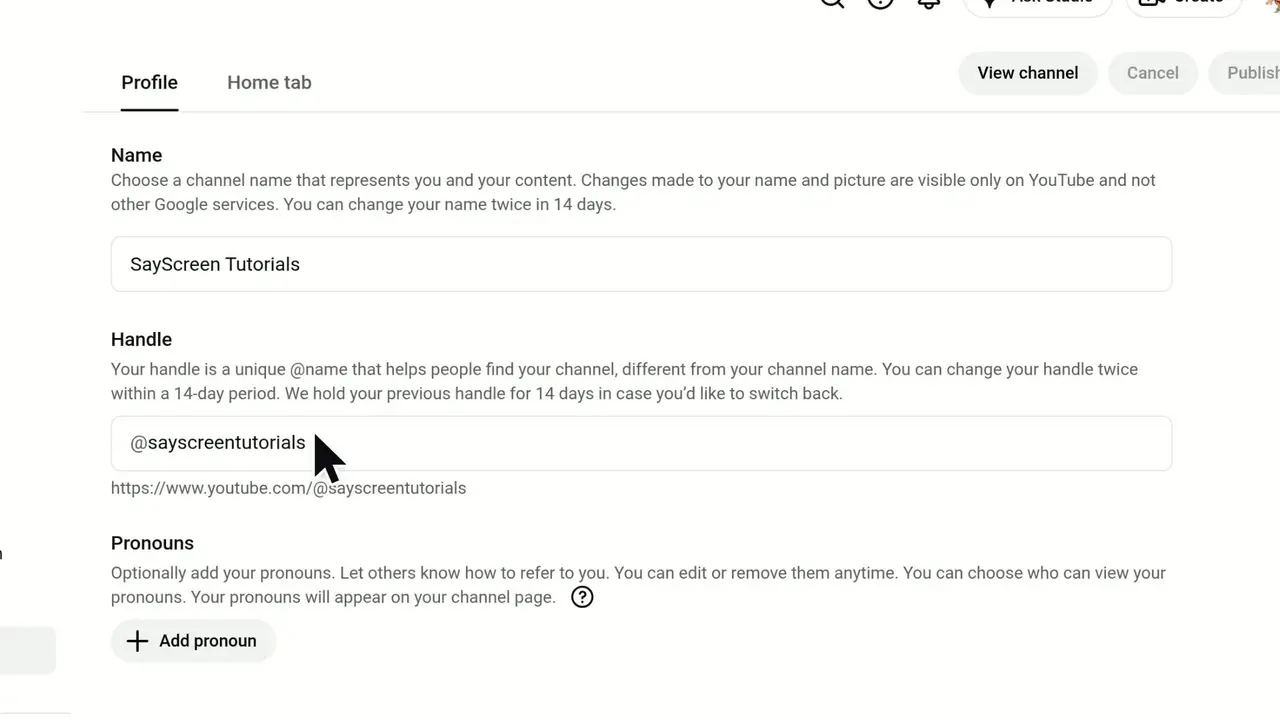
- Type a title and a descriptionOnly the title is required, up to 150 characters. A description can be up to 5,000.
- Choose who can see it under VisibilityPublic, Private or Unlisted. It starts on Public, and this one is set to Private. Default video order, beside it, sets how the videos are arranged.
- Click CreateStudio opens the new playlist. Click Add videos there to add videos you've uploaded or upload new ones.
Transcript
0:00Playlists help viewers binge your videos in order. Let's create one in YouTube Studio, from title and description to visibility.
0:09Start with the Create button at the top right, where all new content begins.
0:14Choose New playlist to open the playlist form.
0:18The title is the only required field. Let's call it Weekly Cooking Tips.
0:24A short description tells viewers what to expect: Quick recipes and kitchen tricks every week.
0:33Next, open Visibility to decide who can find this playlist.
0:38Public shows it to everyone, Unlisted works only with the link, and Private keeps it just for you. Let's pick Private while we build it out.
0:48Everything looks good, so click Create to save the playlist. Studio opens your new playlist, Weekly Cooking Tips, ready for videos. That's it: from the Create menu, give your playlist a title and description, choose its visibility, and click Create.
YouTube is a trademark of its owner. SayScreen isn't affiliated with, sponsored or endorsed by YouTube; this video shows the public app as it looked when it was recorded, and we last checked the steps on November 28, 2026. If YouTube has changed since, tell us at hey@sayscreen.com. YouTube's own guide: support.google.com/youtube/answer/10232933.