GitHub tutorial
How to create a folder in GitHub
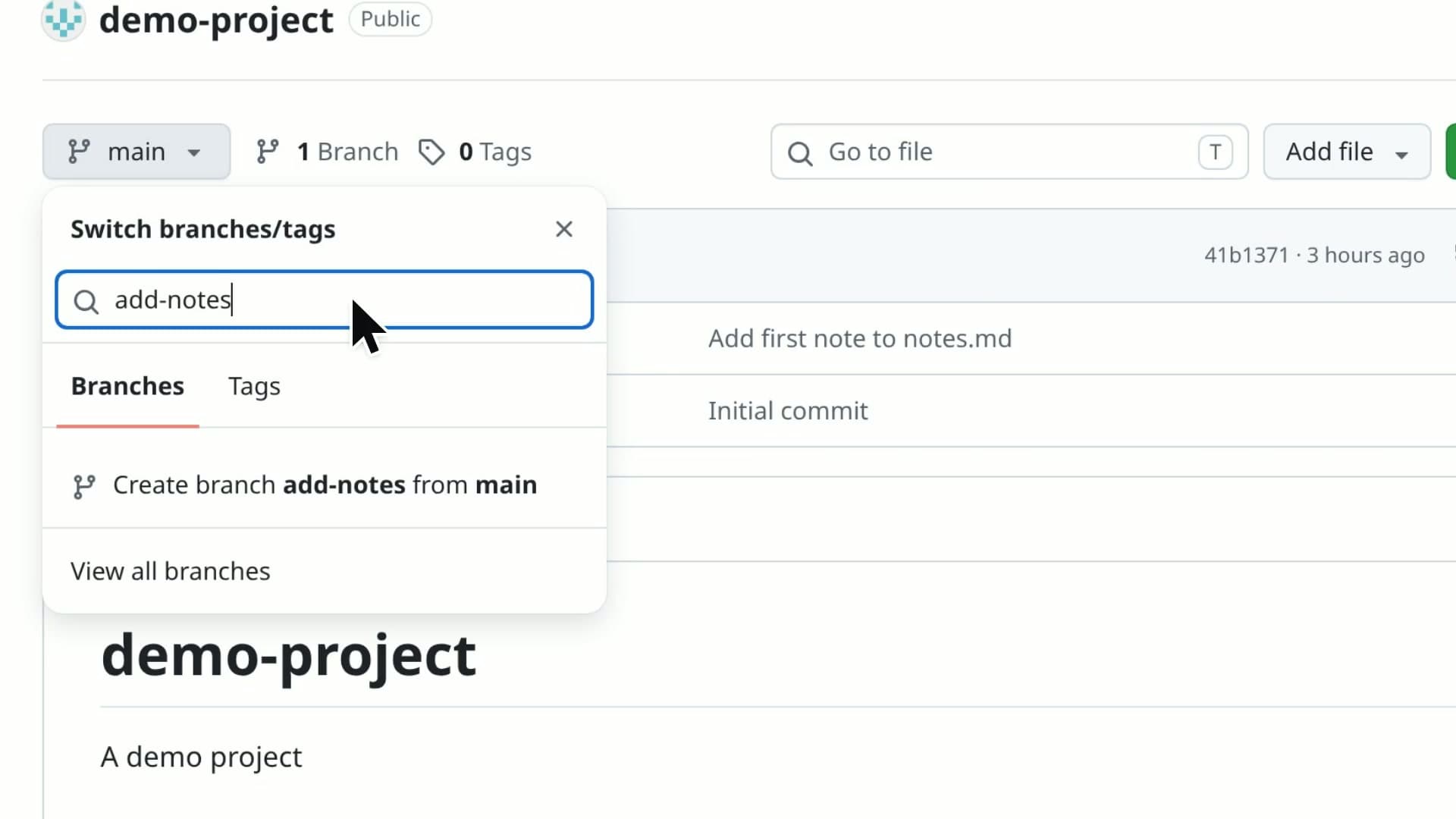
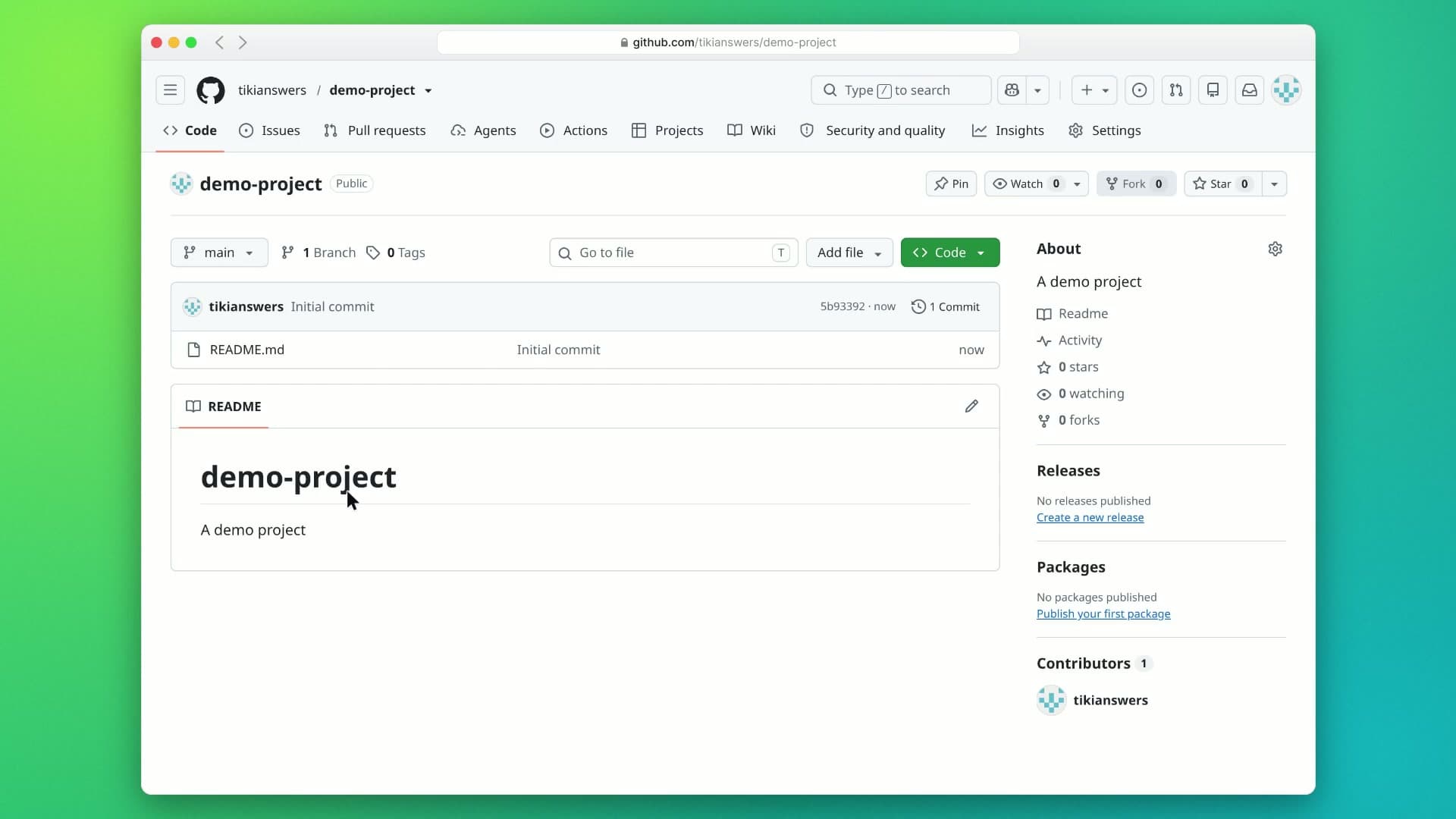
GitHub has no New folder button, and Git doesn't keep empty folders, so you make a folder by adding a file to it. This video adds a docs folder to a repository by typing a slash in a new file's name, starting from the GitHub dashboard and ending on the repository's file list.
- 1:26 video
- 9 steps
- Last verified November 1, 2026
Steps
- Open the repositoryOr the folder you want it inside.
- Click Add file above the file list, then Create new file
- Type the folder's name and a slash, like docs/The slash makes it a folder, and docs moves into the path.
- Type a name for the file, like notes.mdThe folder needs a file in it. If you don't have one yet, a placeholder named .gitkeep is a common choice.
- Add some text to the file
- Click Commit changes in the top-right corner
- Click Commit changes again in the dialogThis video commits straight to main. In a real project, GitHub recommends a new branch and a pull request.
- Click the repository's name to go backGitHub opens the new folder first, with notes.md inside it.
- Check that the folder is in the file listFor folders inside folders, add more slashes: docs/guides/notes.md.
Transcript
0:00GitHub doesn't have a New folder button, and a folder can't be empty. In this video, you'll learn the trick: creating a folder by adding a file inside it.
0:10First, open the repository where you want the new folder.
0:15Open the Add file menu above the file list. Choose Create new file. That's where the folder trick happens.
0:23In the file name box, type docs followed by a slash. The slash tells GitHub that docs is a folder, not a file.
0:32See how docs jumped into the path? Now type notes dot md as the name of the file that lives inside it.
0:40Give the file some content. Just a short line is enough to keep the folder alive.
0:46When you're ready, click Commit changes to save the new file.
0:51A dialog asks for a commit message and branch; the defaults are fine here. Click Commit changes once more to confirm.
1:00GitHub drops you inside the new docs folder, with notes dot md in it. Click the repository name to head back to the main page.
1:08And there it is: the docs folder now sits in your repository's file list, right above the README. That's the trick: type a folder name and a slash before the file name, and GitHub makes the folder for you. Add more slashes to create nested folders too.
GitHub is a trademark of its owner. SayScreen isn't affiliated with, sponsored or endorsed by GitHub; this video shows the public app as it looked when it was recorded, and we last checked the steps on November 1, 2026. If GitHub has changed since, tell us at hey@sayscreen.com. GitHub's own guide: docs.github.com/en/repositories/working-with-files/managing-files/creating-new-files.