
For K-12 teachers, schools and curriculum teams
Turn your lesson pages into narrated video lessons
Paste the address of a lesson page and say who it's for and what to cover. SayScreen's AI opens the page, goes through it and explains what you asked it to cover in a natural voice, then edits the recording into an educational video with zooms, and captions if you want them. Make one video lesson, or a whole unit at once.
Let's create a new project in Taskly.
Why teams use SayScreen for video lessons
Taught from the page itself
Ask it to read the key points, explain each picture and stop before the quiz. The AI goes through your lesson page in a real browser and covers what you ask for. It can record behind your learning platform's sign-in too: you sign in yourself, once.
A whole unit at once
List up to 200 lessons at a time, typed in, pasted from a spreadsheet or uploaded as a CSV. They're made one after another with the same voice and look, into one project, and one email tells you when they're all done.
In their language, with captions
Narrate in any of 94 languages, and put a finished lesson into another language without recording it again. Every video comes with an .srt caption file, and captions can be shown on the video itself.
Prompts to try
Describe it like you'd brief a colleague
Say what to show, what to emphasize and where to stop. SayScreen turns each prompt into a narrated video. Copy one to start.
- 1Point it at your app. Paste the page where the lesson starts and describe what to teach, like briefing a colleague: the goal, the steps to show, what to skip.
- 2AI takes the wheel. Your AI director drives a real browser: it reads each screen, finds the right buttons, clicks, types and writes a line of narration for every step.
- 3Download the finished video. A lifelike AI voice reads the script and SayScreen edits it with zooms and a gliding cursor, with captions if you want them. You get an MP4 and an .srt file.
- Walk a fourth grader through this lesson on fractions, as their teacher.
- Go through this reading on the water cycle: read the key points and explain each diagram.
- Explain this lesson and its practice questions, then tell students to try the quiz on their own.
How-to videos
What SayScreen's videos look like
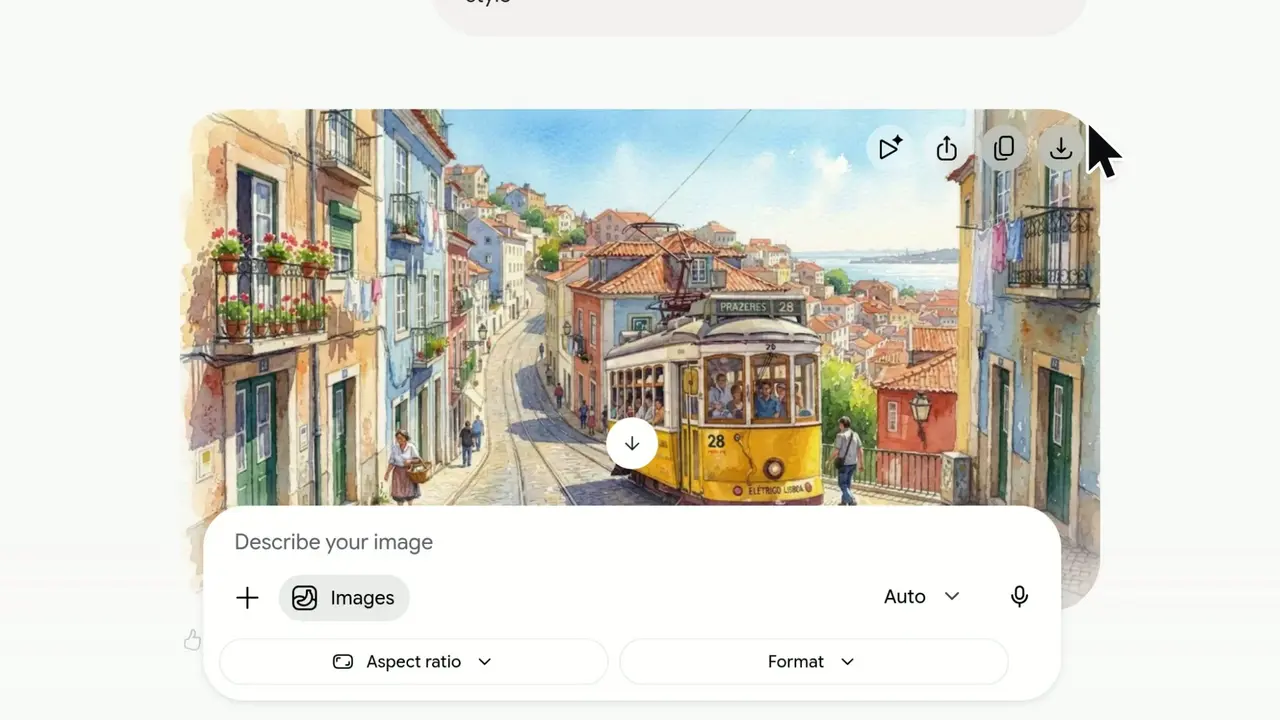
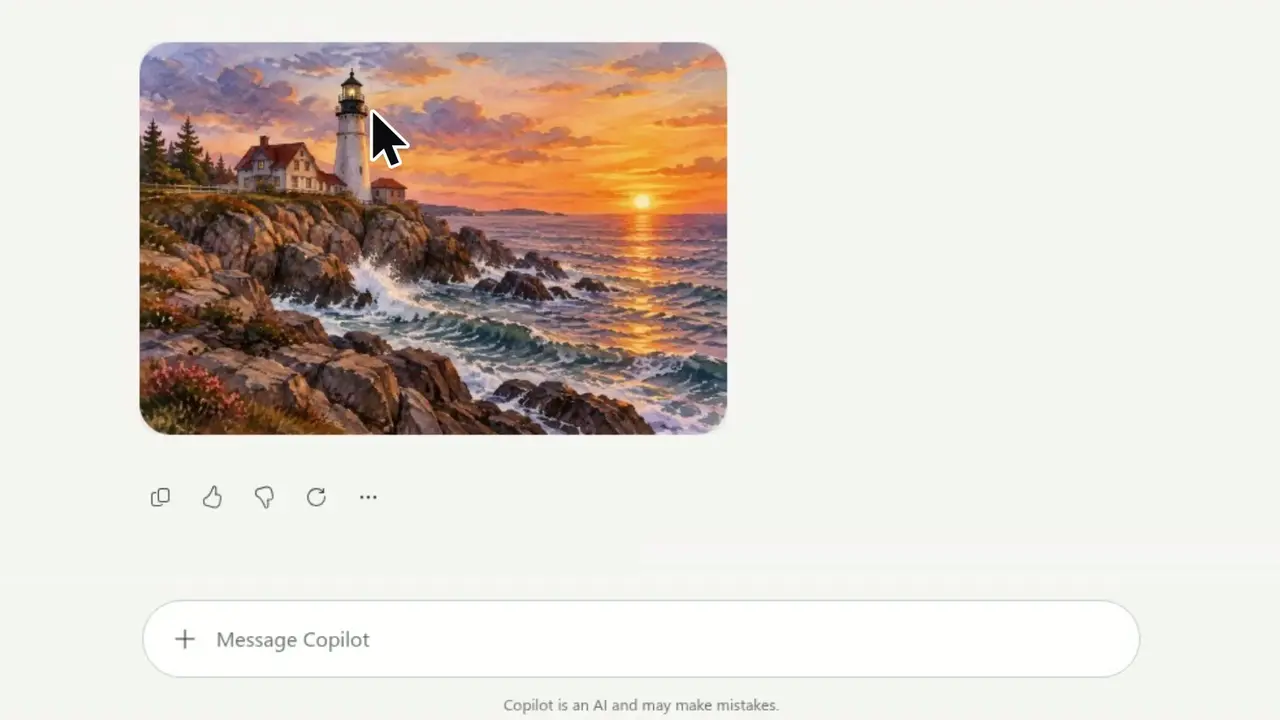
Real videos from SayScreen's how-to library, each recorded in a real app from a single prompt. These teach web apps; a lesson page gets the same voices, zooms and looks.
Frequently asked questions
Paste the address of the lesson page, say who the lesson is for and what to cover, and choose a voice. SayScreen's AI opens the page in a real browser, goes through it, writes and voices the narration and edits the video. You download an MP4 and an .srt caption file.
Two kinds. From a lesson page, a narrated video of the page itself: a voice explains it, with zooms on what matters and captions if you want them, and no pictures that aren't on the page. From a topic alone, a slideshow video: the AI researches the topic and designs animated slides with real pictures. Neither puts a presenter on camera, so for a welcome or an experiment, film yourself and use both.
Yes, as a slideshow video. Choose Slideshow on the New video page and type the topic and who it's for, such as a short lesson for middle school students on how volcanoes form. The AI researches it, designs animated slides with real pictures and narrates the lesson, with its main sources on the last slide. Check the facts before students see it.
If the lesson page opens in Chrome and is reachable on the internet, SayScreen can almost always record it, behind a sign-in too. Click Check access and the platform's own sign-in page opens inside SayScreen. You sign in yourself, with single sign-on and 2-step codes if you use them: what you type is never saved or logged, and the AI never signs in for you. Record in a demo or test student account if your platform has one, and watch the video before you share it.
Yes. Choose Many videos and list up to 200 lessons at a time: type them in, paste rows from a spreadsheet or upload a CSV with each lesson's page, what to teach and, if you like, a title. They're made one after another into one project. Teams with their own systems can send lessons through the API, and once SayScreen is connected to an AI assistant such as Claude or ChatGPT, it can make a video from a request in the chat.
Yes. Choose one of 94 languages when you make a video, and the narration and captions come out in it. A finished lesson can be put into another language on its Look & voice tab: the script is translated and voiced again over the same recording, so the lesson page still shows in the language it was recorded in.
Yes. Every video comes with an .srt caption file to upload with it, whether or not captions are shown on the video. To show them on the video itself, choose a caption look.
Yes. Record a minute or two of yourself reading and SayScreen clones your voice, so students hear their own teacher. Or choose a ready-made voice. Either way you can rewrite any line afterwards, and only that line is voiced again.
Yes. A flipped lesson needs a short video that students watch before class, so class time goes to practice and questions. Make it from the lesson page, keep it to one idea, and post the MP4 on your learning platform with a question for students to bring to class.
Up to 8 minutes, and you can set a shorter limit when you make it: 30 seconds, or 1, 2, 3 or 5 minutes. One idea per video is easier for students to follow, so split a long lesson into parts and make them together.
More ways teams use SayScreen
- For customer success & growth teamsCustomer onboarding
- For support & documentation teamsHelp center & support
- For product marketing & salesProduct demos
- For product teams shipping every weekFeature launches
- For HR, IT and enablement teamsEmployee training
- For support and customer service teamsCustomer support
- For teachers, trainers and course creatorsTeachers & courses
- For creators and SaaS marketing teamsYouTube tutorials
- For operations and process ownersSOP videos
- For sales and solutions teamsSales demos
- For IT and digital adoption teamsSoftware rollouts
- For global products and teamsMultilingual tutorials
- For docs teams and technical writersVideo documentation
- For teams with a whole product to coverBulk video creation
- For showing a website on Shorts, Reels and TikTokShort videos
- For marketers, teachers, creators and teamsExplainer videos
Also useful:AI slideshow makerHow to make educational videosLesson plan templateScreenshot to videoVideo APIBulk video creationHow to add captions to a videoSubtitle converterOnline screen recorder
Your next tutorial is a few sentences away.
Point SayScreen at your app, say what to teach, and get a narrated, edited video back.
$1 for 7 days, then $49/month · Cancel anytime