
For docs teams and technical writers
A video for every how-to page in your docs
Readers of documentation often want to see the task done. Give each how-to article a short narrated walkthrough, made by AI from the same steps the article lists, and keep it current by running the brief again.
Let's create a new project in Taskly.
Why teams use SayScreen for video documentation
From the article's steps to a video
Paste the steps from a how-to article as the brief. The AI performs them in your web app, narrates each one and edits the video.
Made to sit in a docs page
An MP4 at 1080p plus an .srt caption file, so it plays in any docs platform that takes a video, with captions.
Doesn't go stale with the UI
When a release moves a button, run the same brief again and swap the file. No re-shoot, no re-edit.
Prompts to try
Describe it like you'd brief a colleague
Say what to show, what to emphasize and where to stop. SayScreen turns each prompt into a narrated video. Copy one to start.
- 1Point it at your app. Paste the page where the lesson starts and describe what to teach, like briefing a colleague: the goal, the steps to show, what to skip.
- 2AI takes the wheel. Your AI director drives a real browser: it reads each screen, finds the right buttons, clicks, types and writes a line of narration for every step.
- 3Download the finished video. A lifelike AI voice reads the script and SayScreen edits it with zooms and a gliding cursor, with captions if you want them. You get an MP4 and an .srt file.
- Create an API key, copy it and show where to revoke it.
- Show how to add a custom field to a form and make it required.
- Walk through setting up a webhook and sending a test event.
How-to videos
What a documentation video looks like
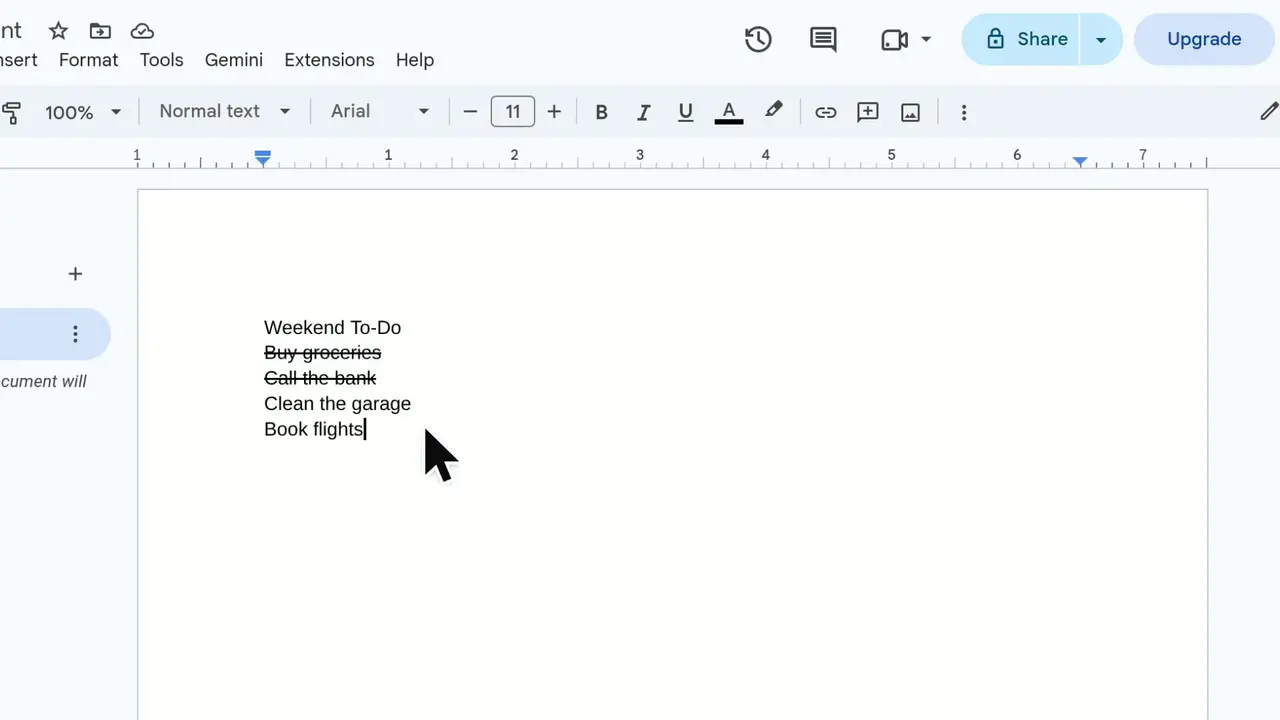
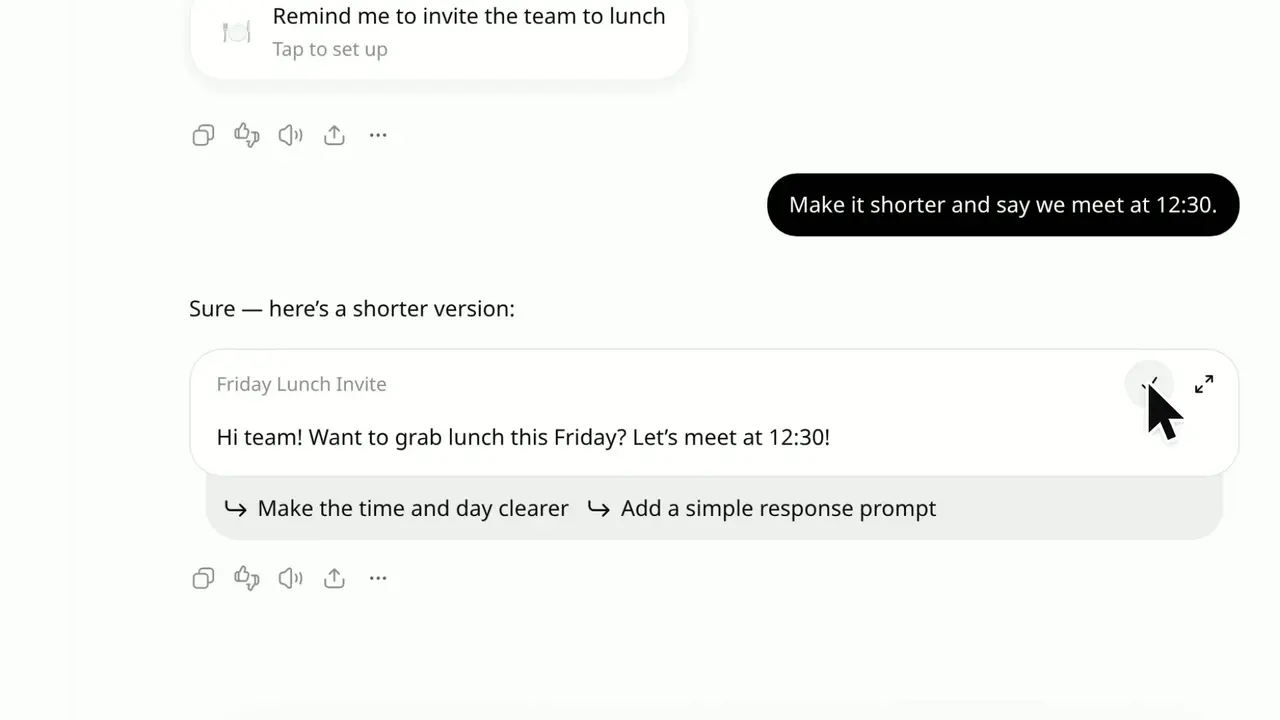
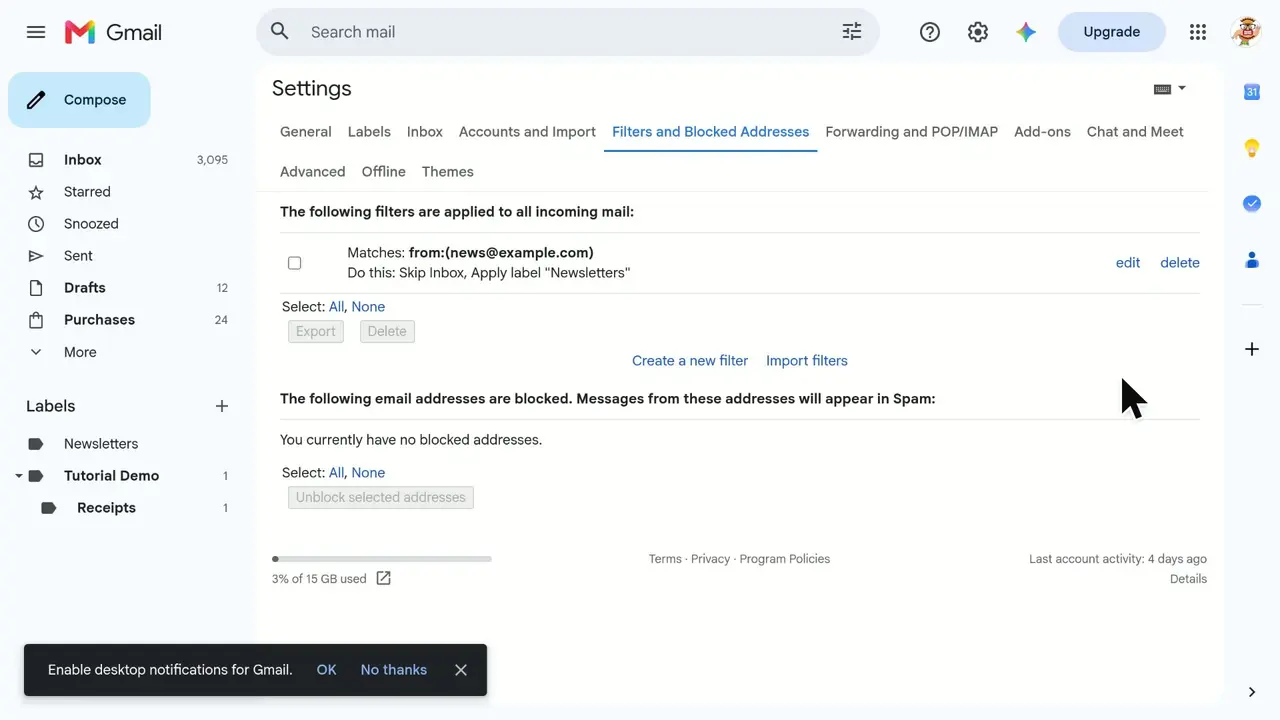
Real tutorials from SayScreen's how-to library, each recorded in the real app from one prompt. Every page shows the steps and the prompt beside the video.
Frequently asked questions
Documentation that shows a task as a short video, usually a narrated screen recording, alongside or instead of written steps. It works best with one task per video, embedded in the article that describes the same task.
No. SayScreen makes videos only. Written steps are still the part people skim, search and copy from; the video shows what the steps look like.
Upload the MP4 to your docs platform or video host and embed it where the platform allows, with the .srt file as its captions. SayScreen doesn't host videos.
Yes, if it's on a staging site that's reachable on the internet. Pages behind a VPN or a browser password pop-up aren't supported.
More ways teams use SayScreen
- For customer success & growth teamsCustomer onboarding
- For support & documentation teamsHelp center & support
- For product marketing & salesProduct demos
- For product teams shipping every weekFeature launches
- For HR, IT and enablement teamsEmployee training
- For support and customer service teamsCustomer support
- For teachers, trainers and course creatorsTeachers & courses
- For creators and SaaS marketing teamsYouTube tutorials
- For operations and process ownersSOP videos
- For sales and solutions teamsSales demos
- For IT and digital adoption teamsSoftware rollouts
- For global products and teamsMultilingual tutorials
Also useful:Help center videosRelease notes videosHow to make a software tutorial videoAI screen recorderSayScreen vs Scribe
Your next tutorial is a few sentences away.
Point SayScreen at your app, say what to teach, and get a narrated, edited video back.
$1 for 7 days, then $49/month · Cancel anytime